 how-to
How to Fix Flickering Lights in Hallway?
Table of Contents
- Check Whether It's the Bulb: Flickering Light After Changing Bulb
- Test for Dimmer and LED Compatibility Problems
- Inspect Switches, Sockets and Multi-Bulb Fixtures
- Tell a Fixture Fault From a Circuit or Utility Problem
- When to Call an Electrician for Flickering Lights
- Booking a Safe Hallway Light Repair With Handy Horrigan
- Frequently Asked Questions
Why Hallway Lights Flicker: The Most Common Causes
Knowing how to fix flickering lights in hallway fixtures starts with understanding the cause. A flickering hallway light can have several causes, including the bulb, switch, a loose connection, or the LED driver. This guide walks through how to find the cause safely.
Start by watching the light, since the pattern guides any how to fix flickering lights in hallway repair. Does it flicker all the time, only when a door opens, or only when a dimmer is turned down? The pattern points you toward the right suspect.
Common causes include:
- Loose or improperly seated bulbs that lose contact with the socket
- Faulty or incompatible LED bulbs, especially when paired with an older dimmer
- Loose wiring and electrical connections inside the fixture or junction box
- Faulty switches that have worn internal contacts
- Fixture and socket problems such as corrosion or cracked sockets
- LED driver failure, which is common in fixtures with built-in LEDs
- Power supply fluctuations from the utility or a shared circuit
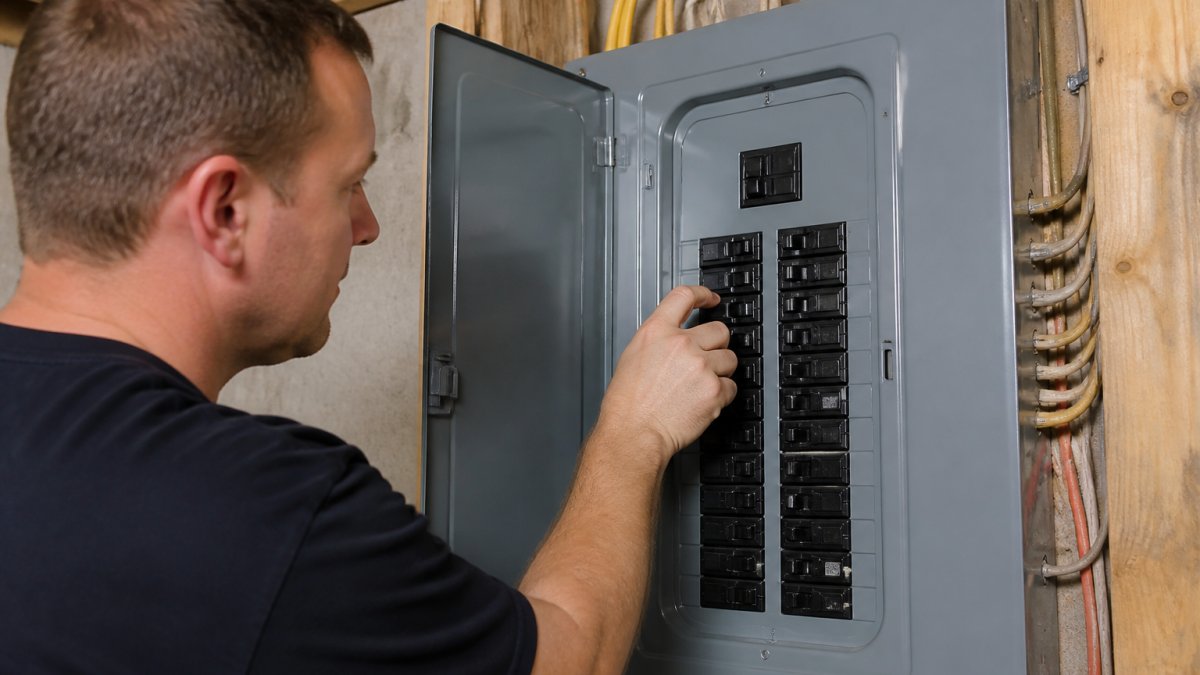
WATCH OUT: Turn off the circuit breaker before you touch any wiring, fixture, or switch. Test the wires with a voltage tester before you reach in. If you smell burning or see scorch marks, stop and call a licensed electrician.
Check Whether It's the Bulb: Flickering Light After Changing Bulb
The bulb is the easiest thing to check first. Turn the light off at the switch, wait for the bulb to cool, and then unscrew it. For a broader look at diagnosing and fixing a tripping breaker, see How to Fix Tripping Circuit Breakers: A Safe Guide. Screw it back in firmly, but do not force it. A bulb that is not fully seated can flicker as it heats and cools.
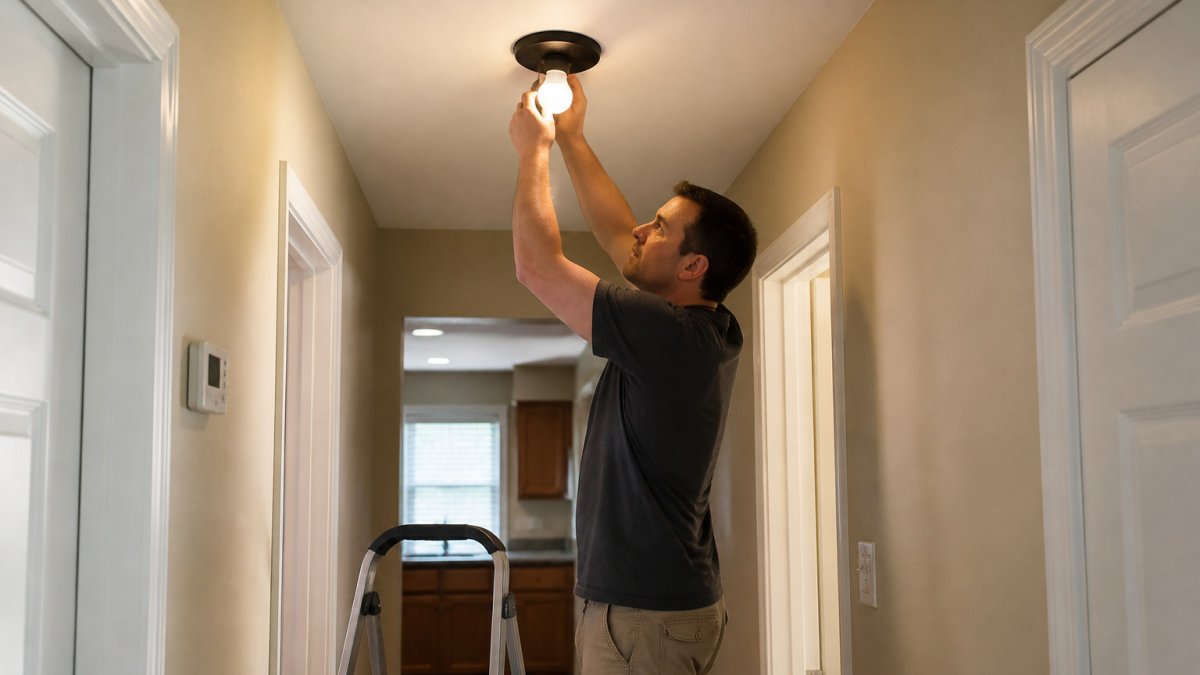
If the flicker started right after you changed the bulb, the new bulb may be the problem. Try a different bulb of the same type. If the flicker stops, the original bulb was the issue. Keep the new one, and check the bulb's packaging for a rated voltage and wattage that matches the fixture.
Test for Dimmer and LED Compatibility Problems
Before you replace anything, run this compatibility checklist:
-
Bulb is marked dimmable. Check the packaging or the base. A non-dimmable LED on a dimmer will flicker at almost any setting.
-
Dimmer is rated for LED loads. Look for "LED" or "CFL/LED" on the dimmer's label or the back of the switch plate. Older dimmers often list only incandescent or halogen.
-
The fixture is LED-driver compatible. Fixtures with built-in LEDs have their own driver, and the dimmer must be rated for that driver, not just the bulb.
Try this sequence:
- Turn the dimmer to full brightness. If the flicker stops, the problem is at the low end of the dimming range, which points to a load or compatibility issue.
- Swap in a known dimmable LED rated for your dimmer type. If the flicker stops, the original bulb was the mismatch.
- If the flicker continues, replace the dimmer with one rated for LED loads and matched to the bulb's dimming method.
The checklist below sums up the dimmer and bulb compatibility checks to run before replacing anything.
| Check | What to look for | Why it matters |
|---|---|---|
| Bulb is marked dimmable | Packaging or base marking | A non-dimmable LED on a dimmer will flicker |
| Dimmer is rated for LED loads | "LED" or "CFL/LED" on the label | Older dimmers often list only incandescent or halogen |
| Fixture driver compatibility | Dimmer rated for the built-in driver | Bulb rating alone is not enough |
| Dimmer at full brightness | Does the flicker stop at full? | Points to the low end of the dimming range |
| Dimmer wattage vs. fixture load | Dimmer rating at or above total wattage | A low-rated dimmer will still flicker |
Inspect Switches, Sockets and Multi-Bulb Fixtures
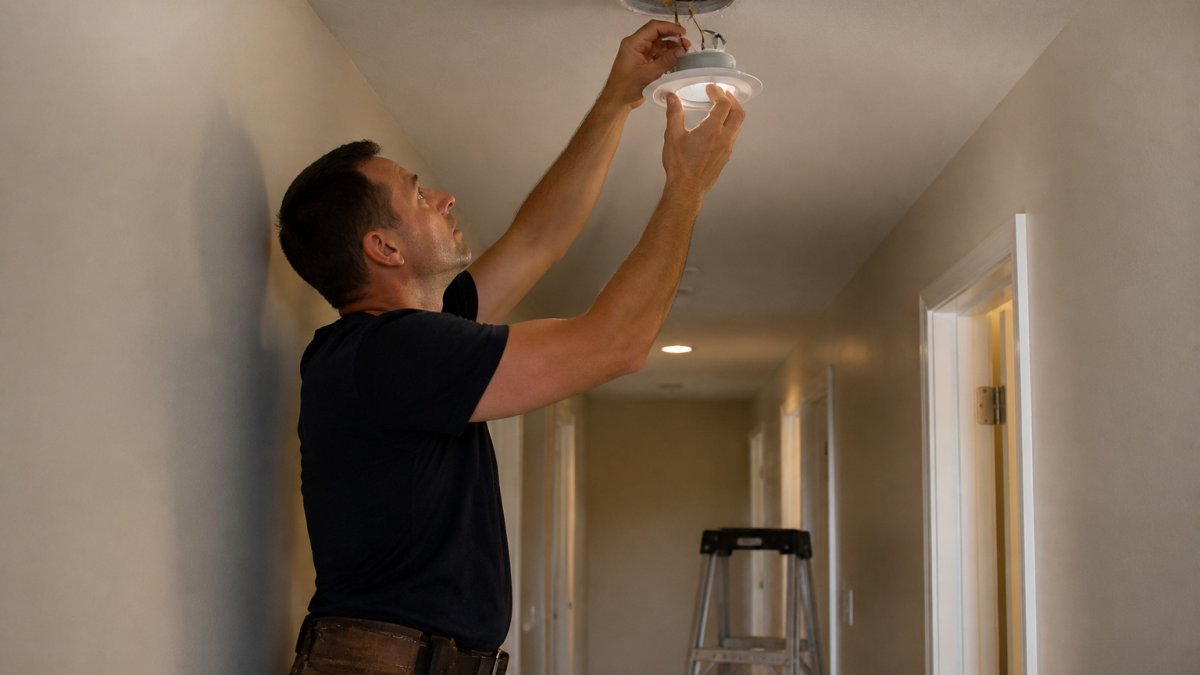
Next, look at the switch, the socket, and the fixture itself. Remove each bulb and check the socket for dark spots, bent contacts, or corrosion.
A worn switch can also flicker. If the light flickers only when you touch the switch or when the switch is in one position, the internal contacts may be weak.
Spotting Loose Wiring in Light Fixture Warning Signs
Only inspect the wiring after the breaker is off and a tester confirms there is no power. Look for:
- Loose wire nuts or terminal screws
- Discolored or melted insulation
- Bare copper showing outside the connector
If you see any of these, stop.
Tell a Fixture Fault From a Circuit or Utility Problem
Use these observations to narrow the cause:
A common pattern is a hallway on a shared circuit with a bathroom or kitchen. When a high-draw appliance starts, the voltage sags and the LED driver reacts. That is a circuit-level issue, not a bulb issue, and replacing bulbs will not fix it.
When to Call an Electrician for Flickering Lights
Handy Horrigan LLC offers electrical work and general home repairs to homeowners. Do not wait if you feel unsure.
Booking a Safe Hallway Light Repair With Handy Horrigan
If you decide to hire help, ask a few questions first. Our guide to what to ask before hiring a handyman in Butler County covers what to check before you book.
Handy Horrigan LLC is a veteran-owned company that offers electrical work, plumbing, and general home repairs. Military personnel receive a 10% discount. Contact Handy Horrigan LLC through its website for a quote.
Frequently Asked Questions
Why are my hallway lights flickering?
The most common causes are a loose bulb, an LED bulb that is incompatible with a dimmer, a loose wire or terminal in the fixture, a worn switch, or a failing LED driver. Start with the simplest check: turn off the power at the breaker, then tighten the bulb and confirm it is rated for the fixture. If the flicker continues after that, inspect the switch and connections. Persistent flicker across several fixtures on the same circuit points to a circuit or utility issue rather than one bad bulb.
Why does my hallway light flicker after I replace the bulb?
A new bulb often flickers because it is not seated fully in the socket, because the fixture uses a dimmer that the bulb does not support, or because the replacement is a lower-quality LED with a poor driver. Turn off the power, reseat the bulb firmly, and confirm the packaging states dimmer compatibility if a dimmer is installed. If you changed bulbs and the flicker started immediately, try the original bulb again to determine whether the problem is the new bulb or the fixture. Recurring flicker after a correct installation warrants an electrical inspection.
Can a loose light bulb cause a hallway light to flicker?
Yes. A bulb that is not fully threaded into its socket can make intermittent contact, causing flicker that may worsen when the hallway door or floor vibrates. With the power off, remove the bulb, inspect the base and socket for darkening or burn marks, and reinstall it firmly. If the socket looks scorched or the contact is weak after reseating, replace the socket, and have a licensed electrician handle the replacement if you are not comfortable working inside the fixture.
When should I call an electrician for flickering lights?
You can request a quote through the company website.